An honest comparison
Making a cookbook in Shutterfly? Here's the honest comparison
We make Mise, so we're not neutral — but we can be accurate. Shutterfly is excellent at what it's built for. A cookbook just isn't quite that thing.
What Shutterfly does well
Shutterfly is one of the easiest ways to make a photo book. It's cheap, familiar, forgiving, and runs frequent discounts. Drop in your pictures, pick a theme, and you have a nice book of images with very little effort. For a holiday album or a year in photos, it's hard to beat.
Why a cookbook is harder there
A cookbook is mostly structured text — ingredients, amounts, ordered steps — with photos alongside. Photo-book tools are built for the pictures, so the recipe text becomes a manual job: you type each recipe into a text box and try to keep the ingredient list, method, and headings looking consistent from page to page. There's no recipe import, no recipe-specific layout, and the print is consumer photo-book grade rather than press hardcover. For one or two recipes that's fine; for a real collection it gets tedious and the result rarely reads like a cookbook.
Where Mise is different
Mise treats a recipe as a recipe. You import from a photo, a link, or plain text and it arrives structured — ingredients and steps separated, ready to lay out. Cookbook templates keep the type and grid consistent across every recipe, with page numbers and a contents page built in. The output is a case-bound 300-DPI hardcover from $39. It's the difference between arranging photos and building a book you'd cook from.
Fair trade-off: if your book is 90% pictures and a few captions, a photo tool is simpler. If it's recipes you'll actually cook from, Mise is built for that.
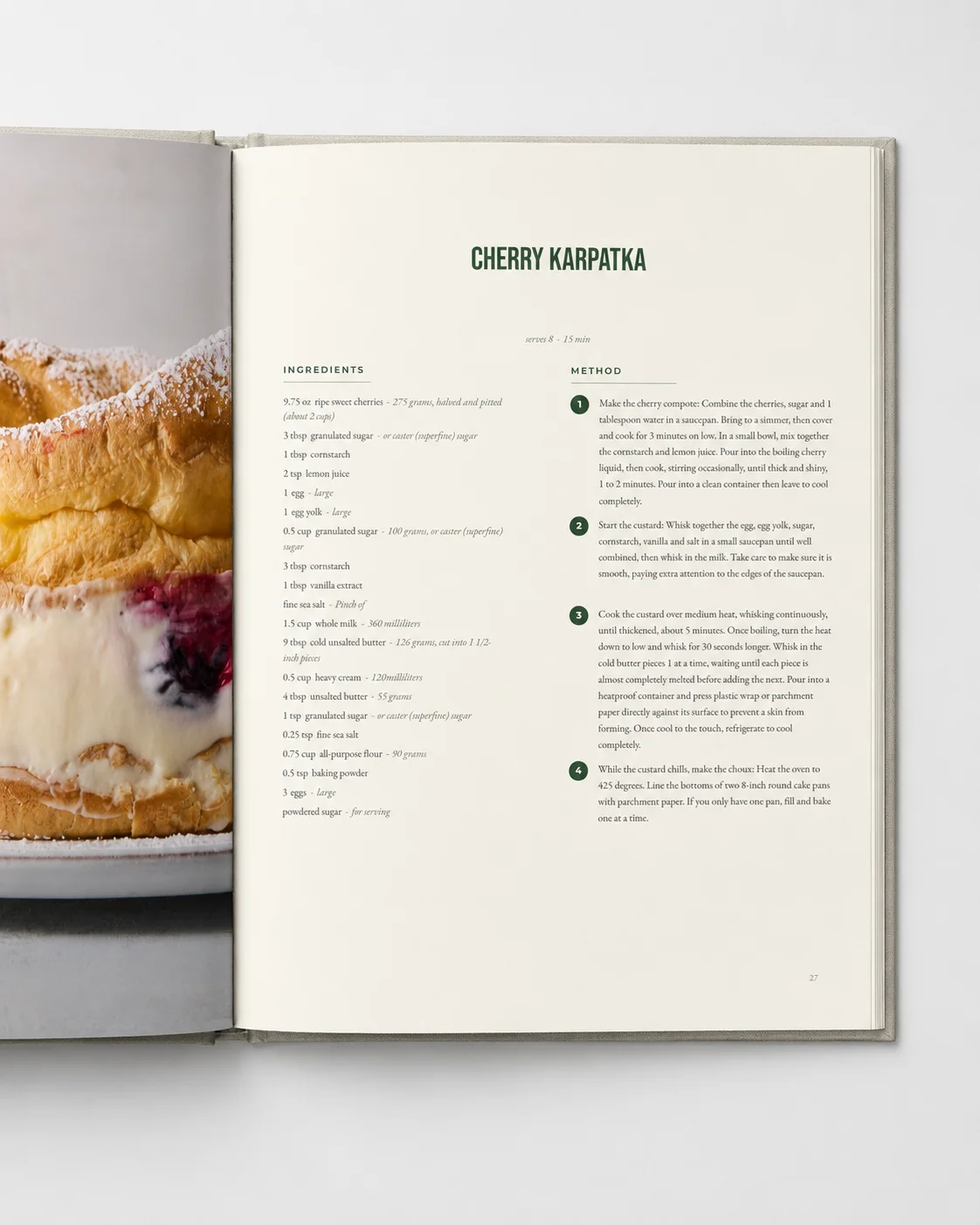
A book you'd cook from
Mise is opening soon. Join the waitlist and be first to print your collection properly.