Guide
How to print your own cookbook
You don't need design software or a print broker to hold your recipes as a real book. Here is the whole path, start to finish.
The method
-
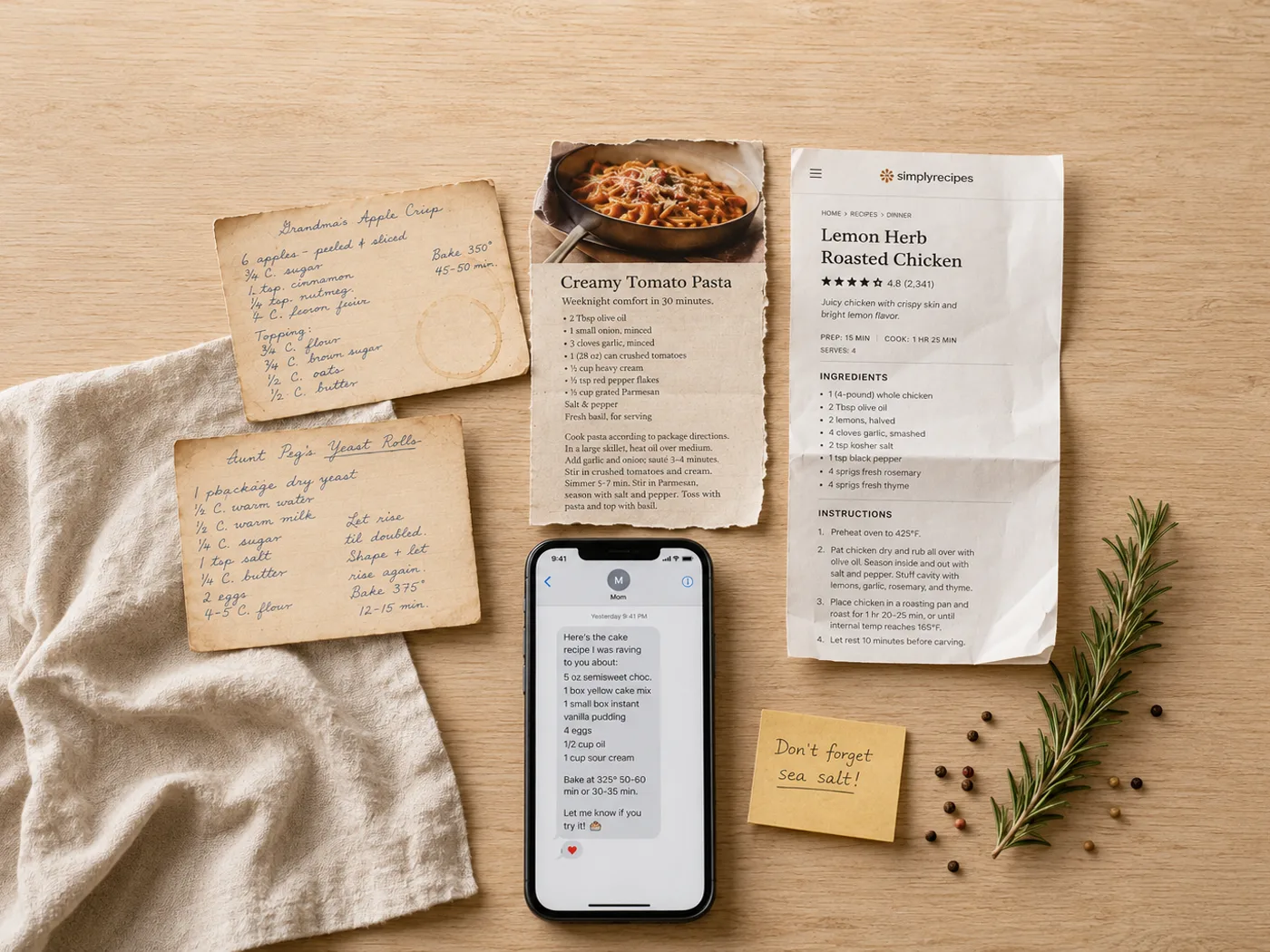
Collect the recipes in one place
Screenshots, links, a notes app, a recipe manager, handwritten cards — bring them together. Mise imports from all of these and reads each into a clean, editable recipe, so you are not retyping anything.
-
Keep only what you cook
A book is stronger for being selective. Lay out the recipes you actually make, in the order you want them, and leave the rest. Two or three sections is plenty for a first book.
-
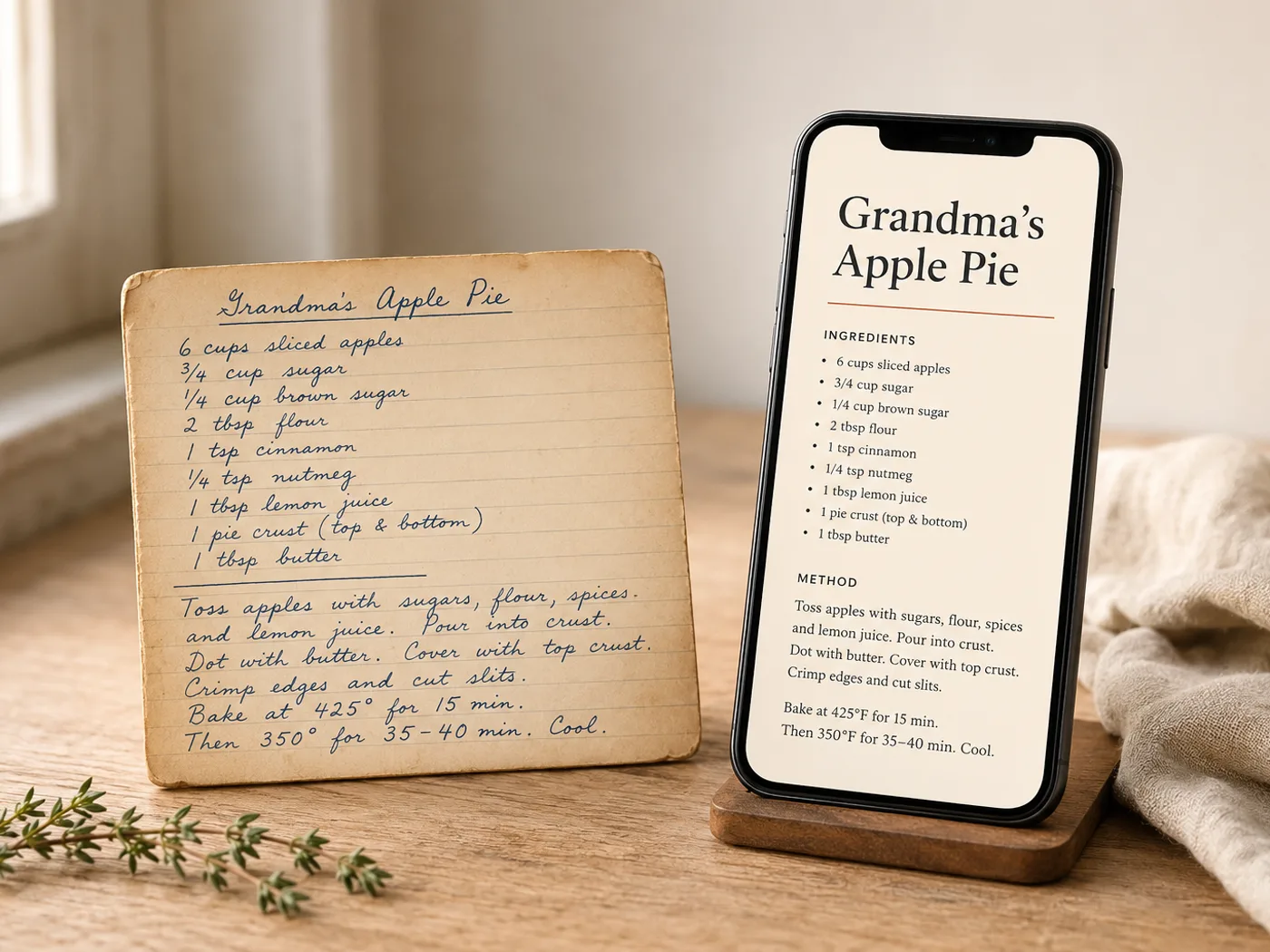
Check the photos
Low-resolution images are the usual reason a printed book looks soft. Mise flags photos that are too small for print, so what you order is sharp on paper, not just on screen.
-
Order the hardcover
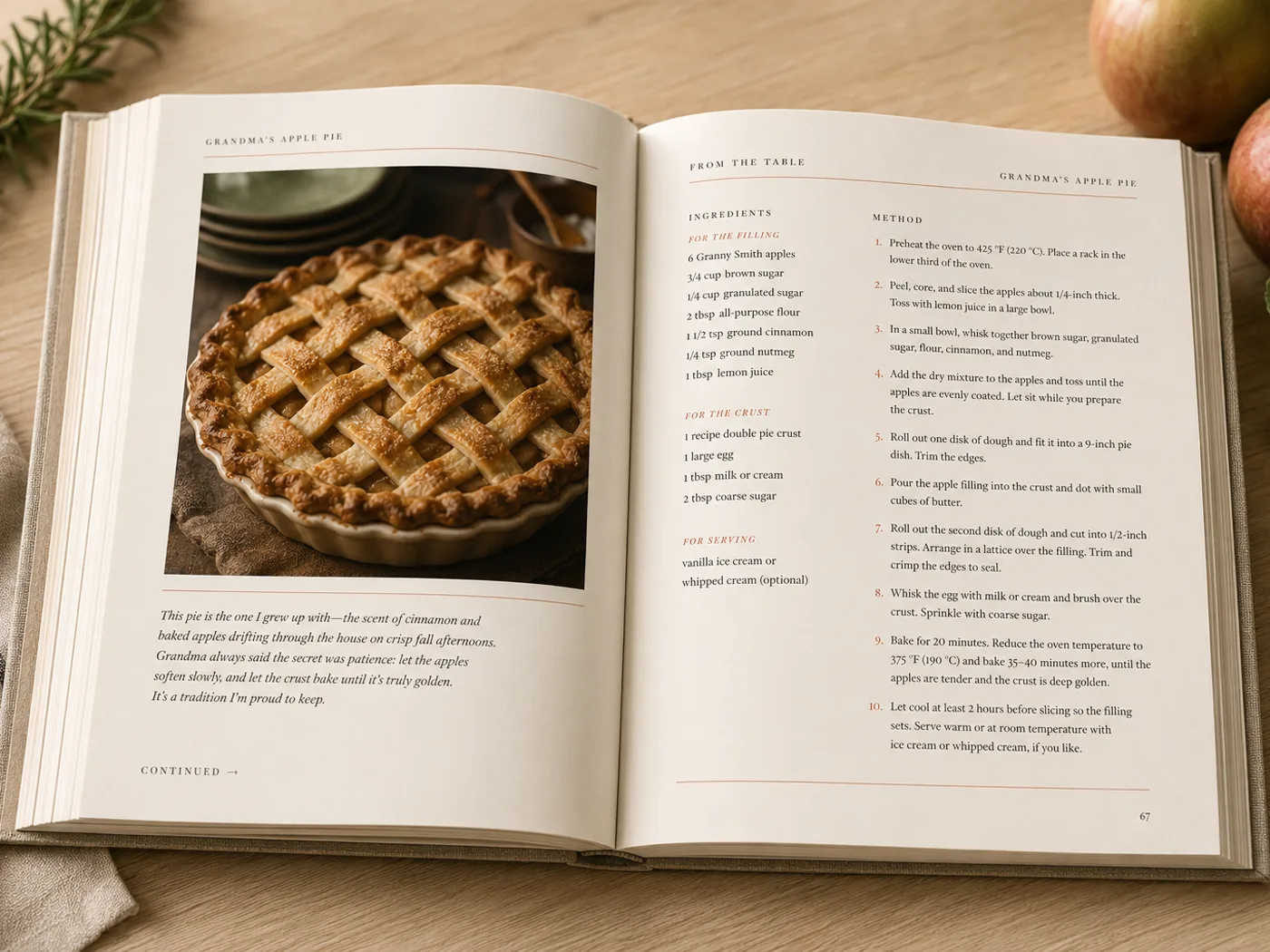
Preview the whole book, then order. A case-bound hardcover starts at $39, prints at 300 DPI, and ships to you. No minimum run — one copy is fine.
Questions
What quality are the printed books?
Case-bound hardcover, printed at 300 DPI in full colour. Photos are checked so they print sharp rather than soft.
Is there a minimum order?
No minimum run. Order a single copy, or as many as you like — each is printed on demand.
Do I need design skills?
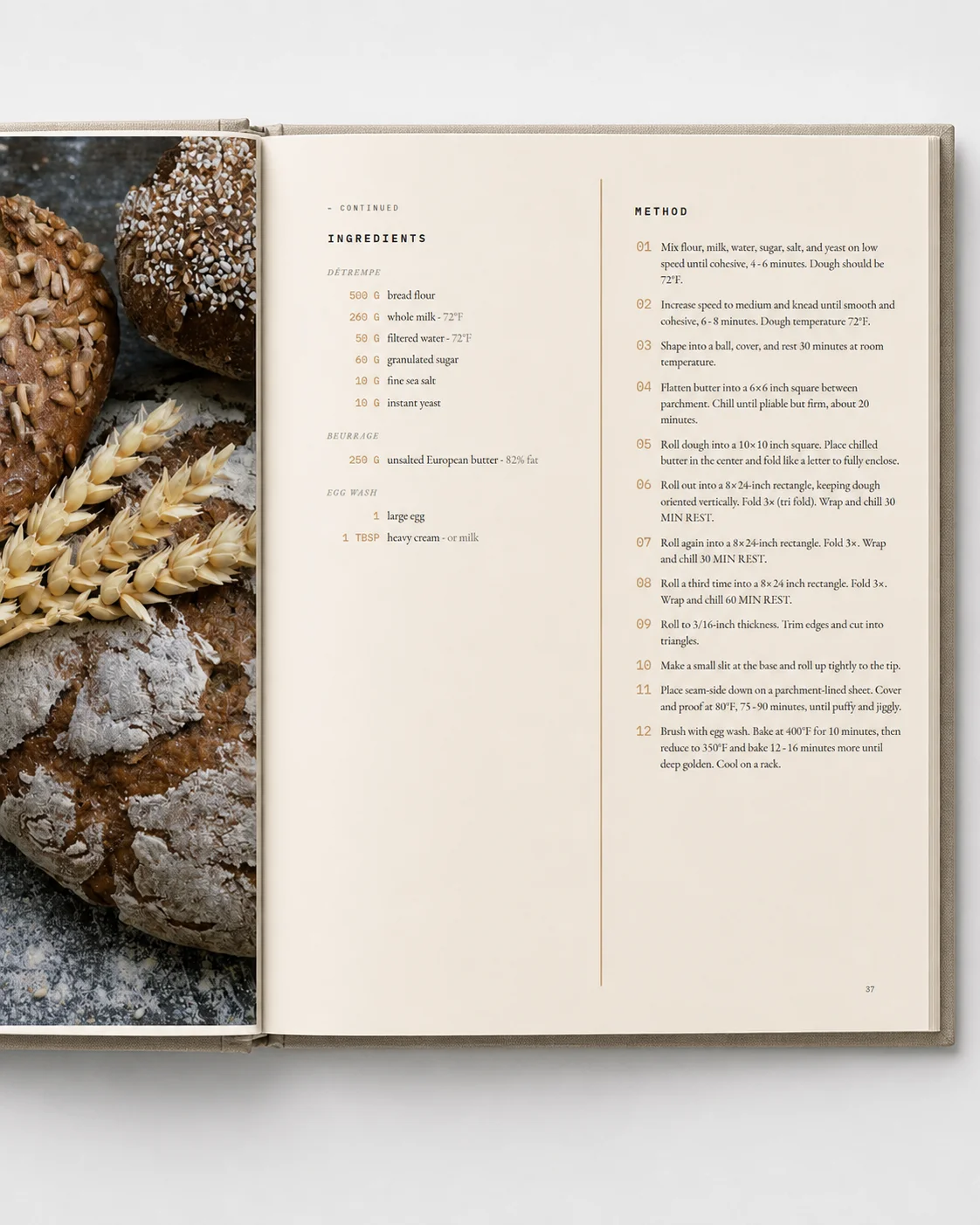
No. You choose a template, add your recipes, and the layout is handled for you — including page numbers, a table of contents, and the cover.
From the pile to a press-quality book
Mise is opening soon. Join the waitlist and be first in when the doors open.